
Google Shopping for an online shop: Merchant Center, feed and cost
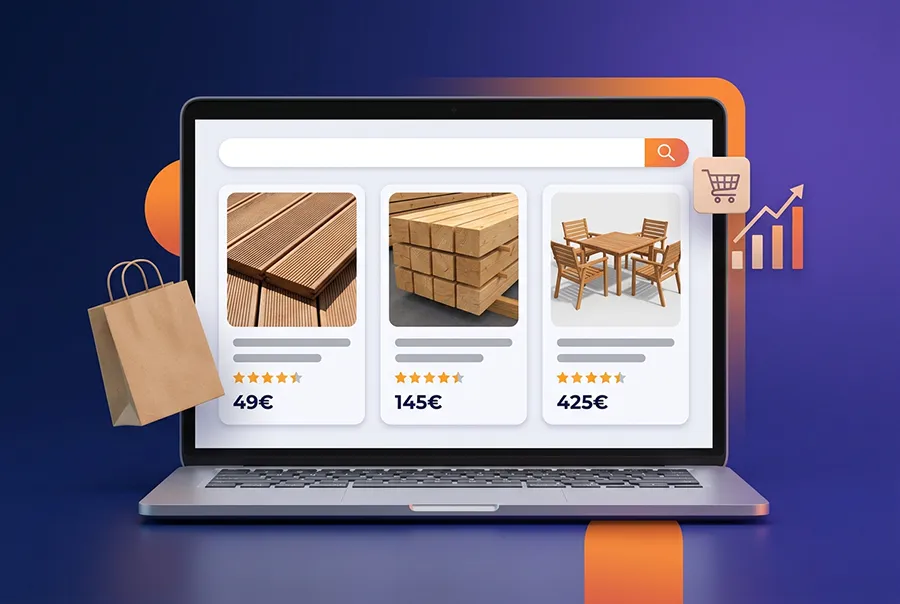
Google Shopping (Google Nákupy in the Slovak interface) puts products with a photo, a name and a price straight into the search results. Someone searches for "terasové dosky smrekovec" (larch decking) and, before the first link, sees specific boards, their price and the shop. They click only when the price and the photo have convinced them, which is why such a click sells better than an ordinary text ad.
For online shops this is often the most profitable campaign in the account. At Severské drevo the Shopping campaign brought 14.18€ in orders for every euro of advertising, against 7.47€ for the account as a whole.
Below: what to prepare, how Merchant Center and the product feed work, which campaign to choose, what it costs and why Google rejects products. If you would rather hand it over, see Google Ads and Meta ads management.
Ready to run ads?
Google Ads and Meta with tracking wired properly, so you can see what comes back.
How Google Shopping works
It rests on three parts:
- Google Merchant Center: the account the shop sends product data, shipping and returns to.
- The product feed: a list of products with price, availability, photo and other data, updated automatically.
- Google Ads: the campaign that shows the products from Merchant Center as ads, paid per click.
Products from Merchant Center can also appear for free in free listings, for example on the Shopping tab. The paid spots above the search results, however, are available only through advertising.
In the EU, Shopping ads are served through a comparison shopping service (CSS). By default that is Google Shopping, which as a CSS charges its own margin. With a partner CSS the cost per click is usually lower; it is worth arranging once budgets grow.
What to prepare
On the shop's website:
- terms of sale, a returns and complaints policy, shipping and returns information;
- contact and company details: name, registered address, company ID, phone, e-mail (what exactly must be on the site);
- a secure checkout and payment;
- prices including VAT that match between the product page and the feed.
In Merchant Center:
- a verified and claimed website domain;
- shipping (prices and delivery times) and returns settings;
- the product feed.
Missing company details are the most common reason Google does not trust a new shop and suspends the whole account. Fixing it then takes weeks, so they are worth having on the site before the first feed is submitted.
The product feed: where it comes from
A feed is a file or an address from which Google regularly takes the products. The required data are an identifier, title, description, link, image, price and availability; branded goods also need a GTIN (barcode) and brand, clothing a size and colour.
Where the feed comes from:
- Shoptet exports a Google feed directly from its admin;
- WooCommerce handles it with a plugin;
- a custom-built shop generates it from its own database. At Severské drevo a Python script collects the feed straight from the website, so every price change reaches Google by itself.
The biggest reserve is usually in product titles. Google uses them to decide which searches show the product. "Hranol KVH" loses to "Hranol KVH 60 x 120 mm smrek, dĺžka 5 m", because people search for the size and the material. The title should contain what customers type into the search box, in Slovak, since that is how customers in Slovakia search.
Shopping campaign or Performance Max
| Standard Shopping campaign | Performance Max | |
|---|---|---|
| Where products appear | Shopping and search results | everywhere in Google: search, Shopping, YouTube, Gmail, Maps, websites |
| Control | you see which searches trigger the ads and can exclude words | Google decides, control is limited |
| What it needs | a feed and purchase tracking | a feed, purchase tracking with values and enough orders to learn from |
| When to use it | starting out, a smaller budget, a need for control | once there is sales history and a return target |
Severské drevo runs both: a standard Shopping campaign and Performance Max for materials with a target return on ad spend. For a new shop I start with the standard campaign. Performance Max without sales history spends longer than necessary learning on your money.
What Google Shopping costs
You pay per click, and for niche products the click is cheap. At Severské drevo the Shopping campaign averaged 0.04€ per click. Since spring 2025 it has spent 1,871€ and brought orders worth 26,529€.
That does not hold everywhere. In electronics or fashion, where the big players compete, a click costs several times more. The Keyword Planner in Google Ads gives a precise estimate for your products before launch, for free. More on the cost per click in what Google Ads costs in Slovakia.
The work is separate: I set up Merchant Center, the feed and the campaign as part of the campaign launch for about 1,000€, and management then costs 25€/hr. If I build the shop, Merchant Center is included in the price of the shop.
Why Google rejects products
The most common causes I come across:
- the price or availability does not match between the feed and the product page, for example after a discount that never reached the feed;
- a missing GTIN on a branded product;
- an image with text, a watermark or a border; Google wants a clean product photo;
- missing terms of sale, returns policy or contact details, which puts the whole account at risk;
- prohibited or restricted goods, such as some food supplements or weapons.
Merchant Center states for each product what is missing. Read it regularly, not only at launch: the feed changes with every edit on the website.
Tracking: without it Google optimises for clicks
A Shopping campaign makes sense only when Google sees the purchase together with the order value. Otherwise it cannot tell a product that sells from one people merely click on. In practice that means GA4 with a purchase event, conversions imported into Google Ads and Consent Mode v2, without which part of the EU data is missing. Details in GA4 setup and cookie banners in 2026.
When Google Shopping makes no sense
- you have ten products and prices well above the market: side by side, you lose;
- you sell services, not goods: Shopping is only for physical products;
- the website does not meet the basic requirements and nobody can maintain the feed.
If the shop is still being built, what it legally needs and what it costs is covered in setting up an online shop in Slovakia.
If you need help
I set up Merchant Center, the feed, a Shopping campaign and Performance Max, plus purchase tracking with values, so the campaign optimises for sales rather than clicks. The accounts are in your company name. I do not do accounting, company registration or social media management.
I have lived in Slovakia for more than ten years, work as a Slovak s.r.o. and issue invoices with a company ID for your accounts.
Details on the Google Ads and Meta ads management page. Case study: Severské drevo, 324 purchases worth 134,684€. Related: PPC advertising, wholesale online store.
See also: Shoptet, Shopify or a custom shop and conversion tracking for Google Ads and Meta.
Want to know what is holding your site back?
I go through it the way Google sees it and send a concrete list within 3 working days.